Note (2026): The official Oh My Zsh instructions use:
sh -c "$(curl -fsSL https://raw.githubusercontent.com/ohmyzsh/ohmyzsh/master/tools/install.sh)". The command blocks below are preserved from 2015.
There is nothing more convenient than a good command shell, and zsh is probably one of the best. On most servers and work machines, bash is installed by default, and many people do not even think that a command shell can or should do anything besides launching commands. For example, it should help the user choose which command to run.
Installation
Installing the “basic kit” is as easy as can be. For example, in Ubuntu:
apt-get install zsh
usermod USER -s /usr/bin/zsh
Both commands require administrator privileges. On a sudo-enabled account, use sudo apt-get install zsh and the documented form sudo usermod -s /usr/bin/zsh USER (usermod documentation). Replace USER with your login name and check that /usr/bin/zsh is the installed shell path before changing it.
The extra goodies came from Oh My Zsh. The original installer command used the project’s former repository URL:
curl -L https://github.com/robbyrussell/oh-my-zsh/raw/master/tools/install.sh | shResult
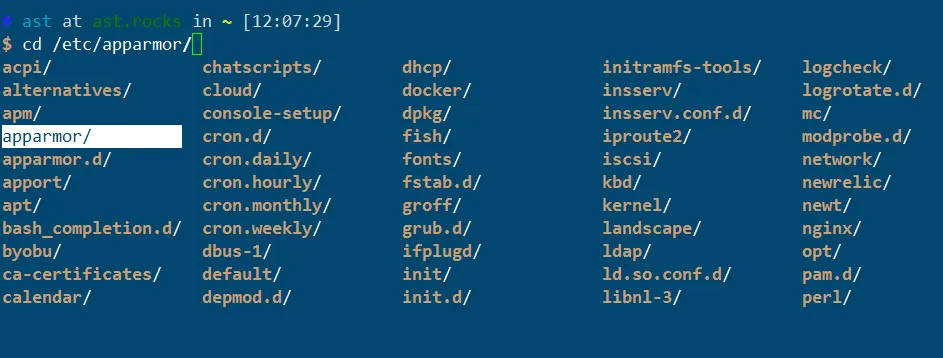
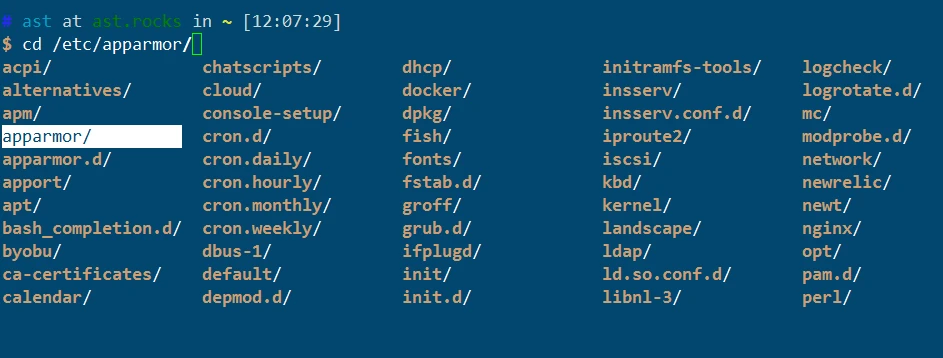
For example, this is what zsh looks like for me: