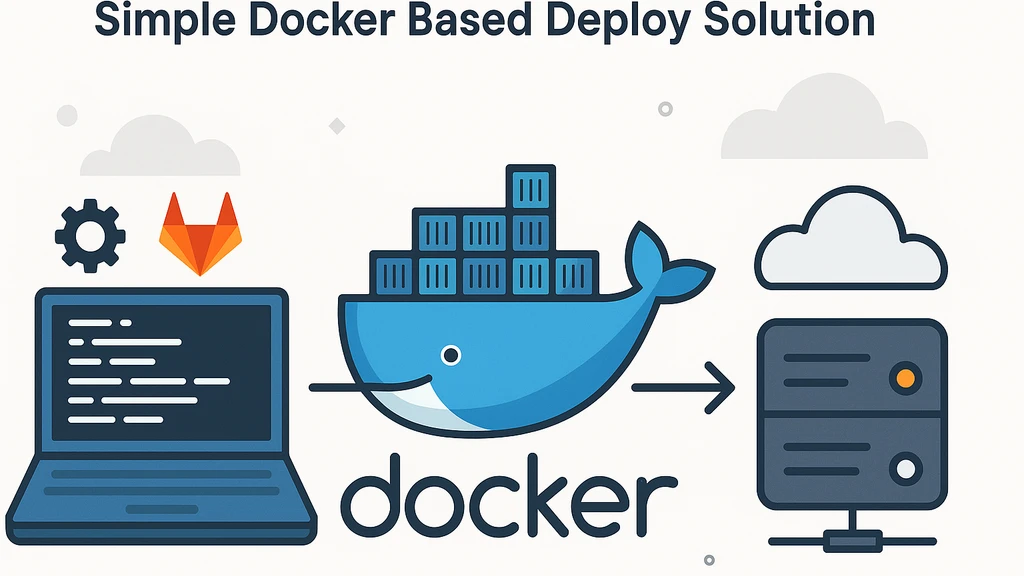
We all love to automate things, right? So, you remember that lonely pet project of yours that you’ve been working on for a while now? It’s too small for a proper solution like k8s to seem reasonable, but you still want to deploy it somewhere and have it running. And you want to do it with a simple script, because you’re a lazy person just like me. Well, I have a solution for you!
Disclaimer: Simple Is the Point
This is not the only correct way to deploy software. It does not try to cover every production concern: blue-green releases, rollbacks, image registries, staged migrations, service discovery, health checks, secrets rotation, or multi-node orchestration.
That is intentional. Not every project needs the most complete deployment system from day one. Sometimes the right first step is a small pipeline made from boring, widely available tools: Docker, Compose, SSH, and your CI runner. It can be built quickly, understood quickly, and repaired without a platform team.
For a small pet project, prototype, internal tool, or one-person service, this kind of setup can be much better than having no automated deployment at all. Manual deployment is where mistakes, fear, and “I will do it later” tend to live. A simple repeatable pipeline already moves the project to a healthier place.
Treat this article as a pragmatic bootstrap pattern. When the service grows, add the missing safeguards or move to a stronger deployment model. Until then, a simple deploy that actually runs on every push is allowed to be good engineering.
Setup
Let’s assume you already have a Dockerfile of the image you want to deploy. You will also need the docker-compose.yml config with a complete setup of the service. I personally prefer to have a separate docker-compose.production.yml file for production settings.
# docker-compose.production.yml
volumes:
  redis-data:
services:
  redis:
    image: 'redis:latest'
    restart: always
    expose:
      - 6379
    volumes:
      - redis-data:/data
  app:
    image: awesome/service:latest
    restart: always
    depends_on:
- redis- Create a pair of private and public keys. You can use
ssh-keygenfor that. They will be used to connect to the target host (where we want our service to be deployed to). - Create the desired
useron the target host. Avoid usingrootfor security reasons. - Install the public key to the target host’s authorized_keys for
user. - Define the following envoronment variables in GitLab CI/CD settings:
SSH_PRIVATE_KEY: The private key to connect to the target hostSSH_HOST_KEY: The target host fingerprintsSSH_LOGIN_HOST: The login & host of the target host, example:user@target-host.comDEPLOY_LOCATION: The location to deploy files, example:/home/user/awesome-service
# .gitlab-ci.yml
image: docker:24.0.5
# this is required to work with docker in docker (dind)
services:
  - docker:24.0.5-dind

stages:
  - deploy

build:
  stage: deploy
  before_script:
    # Install dependencies, add private key and fingerprints to the agent
    - >
      apk update && apk add openssh-client bash &&
      eval $(ssh-agent -s) &&
      bash -c 'ssh-add <(echo "${SSH_PRIVATE_KEY}")' &&
      mkdir -p ~/.ssh &&
      echo "${SSH_HOST_KEY}" > ~/.ssh/known_hosts &&
  script:
    # Build a docker image from the specified Dockerfile
    - >
      docker build
      -f './bot/Dockerfile'
      -t 'swinobot/swinobot:latest'
      ./bot
    # Save the docker image to a remote host through SSH
    - >
      docker save
      'swinobot/swinobot:latest'
      |
      ssh
      "${SSH_LOGIN_HOST}"
      'docker load'
    # Copy the docker-compose.production.yml file to the remote host
    - >
      cat './docker-compose.production.yml'
      |
      ssh
      "${SSH_LOGIN_HOST}"
      "cat > ${DEPLOY_LOCATION}/docker-compose.production.yml"
    # Start the docker-compose.production.yml file on the remote host
    - >
      ssh
      "${SSH_LOGIN_HOST}"
      "docker compose -f ${DEPLOY_LOCATION}/docker-compose.production.yml up -d"
That’s it. Now you can push your changes to the repository and watch the magic happen. The CI/CD pipeline will build the image, save it directly to the target host, copy the docker-compose.production.yml file, and start the updated service.